Debian Package Installer
Terms and Privacy
By installing the iSR Client on your computer, you understand and agree to the Terms of Service and Privacy Policy of the iShareRadio platform.
The iSR Client connects devices on your local network to the iShareRadio Hub. Once proxied and paired to an Operator on the Hub, those devices can be controlled, managed, and integrated with alerting and metrics.
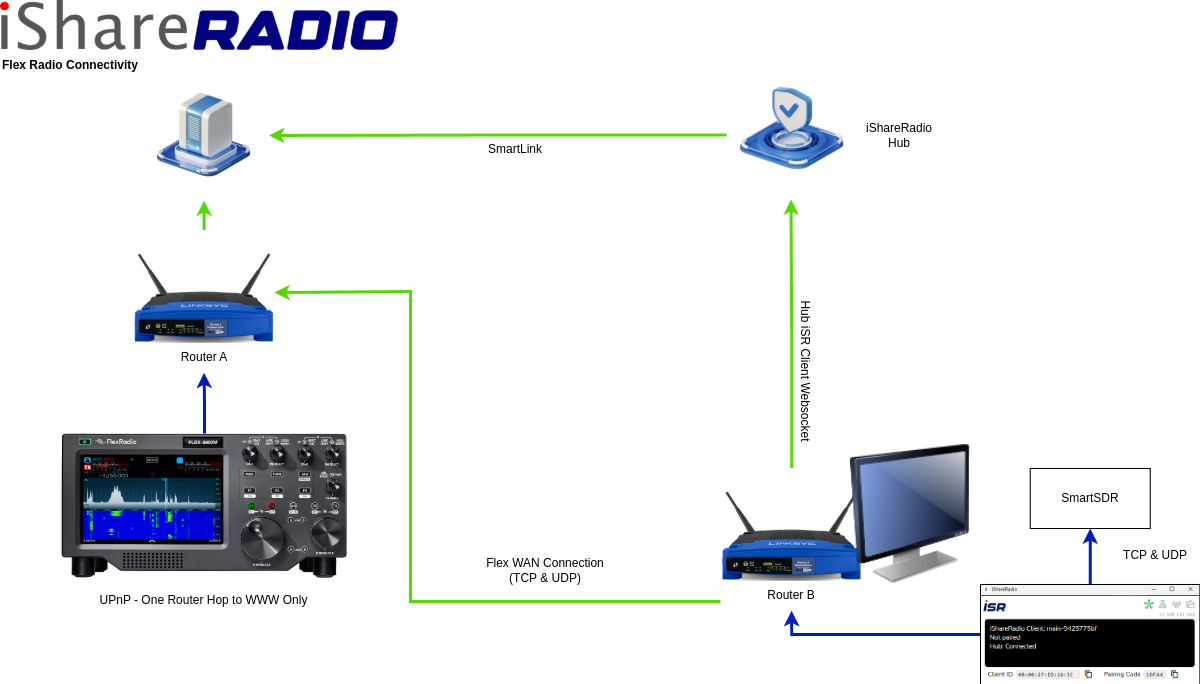
Blue: LAN, Green: WAN
The iSR Client can run on the same Linux host as your local hardware, or on another machine on your network so long as it can reach those devices.
How the Proxy Works
The iSR Client is a secure, intelligent proxy for radios and shack automation on your LAN. It communicates with local devices, understands their configuration, controls switches, relays, and collects readings. The Hub does not directly connect to your local devices and waits for the iSR Client to send status and reading information. The Hub can also send instructions to control and set various features on connected modules.
The Operator must pair the iSR Client first, then pair (add device) each proxied device.
Installing iSR Client on Linux
The Debian package installer will perform the following actions:
- Install the
isr-clientexecutable at/usr/bin/ - Install a systemd service that runs the iSR Client as a service
- Install a systemd timer that runs
apt-get upgrade isr-clientdaily when the iShareRadio APT source is configured
When a user runs isr-client interactively, it creates a folder under $USER/.ishareradio/ for config and logs.
Requirements: Debian 11+ or Ubuntu with Python 3. Supported on amd64 (Intel/AMD Linux desktops and servers).
Install with apt
Use the iShareRadio install script. It detects your CPU architecture (amd64 or arm64), configures the APT repository, and installs isr-client with dependencies.
One-time setup on the target host:
The installer enables and starts the isr-client systemd service and the daily APT upgrade timer.
To upgrade later:
You can check the iSR Client is running by opening its web status page:
http://your-linux-host-ip:8111

Running Console Mode Manually
If you want to run the iSR Client on a headless Linux computer then you can use the --console flag. This is useful for troubleshooting or running the iSR Client on demand. Ensure you have stopped and disabled the systemd iSR Client service beforehand.
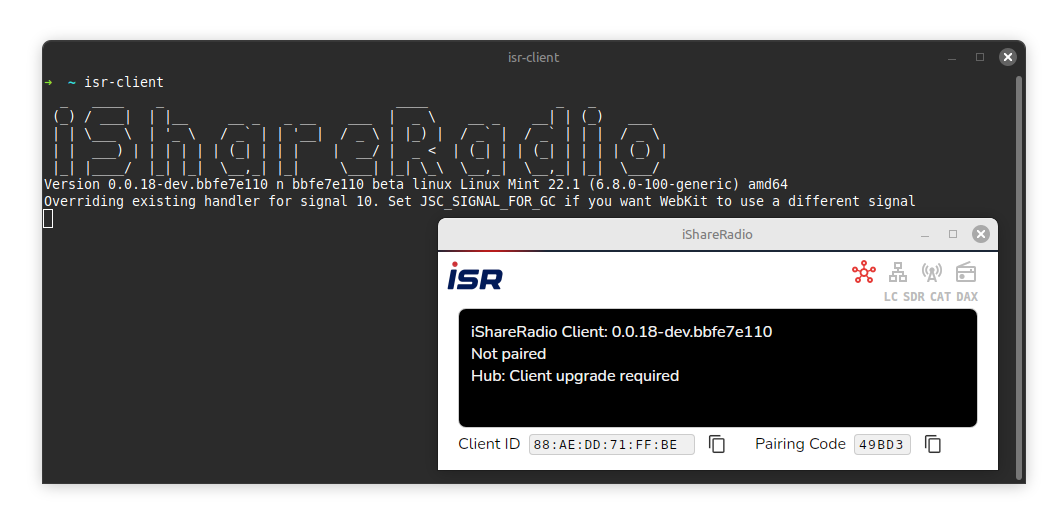
Logs
For Debian installation the iSR Client will log to $USER/.ishareradio/ when run manually from the console and /var/log/ishareradio/ when run as a systemd service.