Connecting the Flex Radio to the Hub
The Flex Radio is paired by the Owner/Operator adding the device to their account by signing up with the SmartLink credentials.
An example of how to do this is shown in the "Club Owner Walkthrough" video
Radio Status in iShareRadio
The iShareRadio platform will poll the radio status from Smartlink whenever it is in an active connection or being actively browsed on the Hub portal.
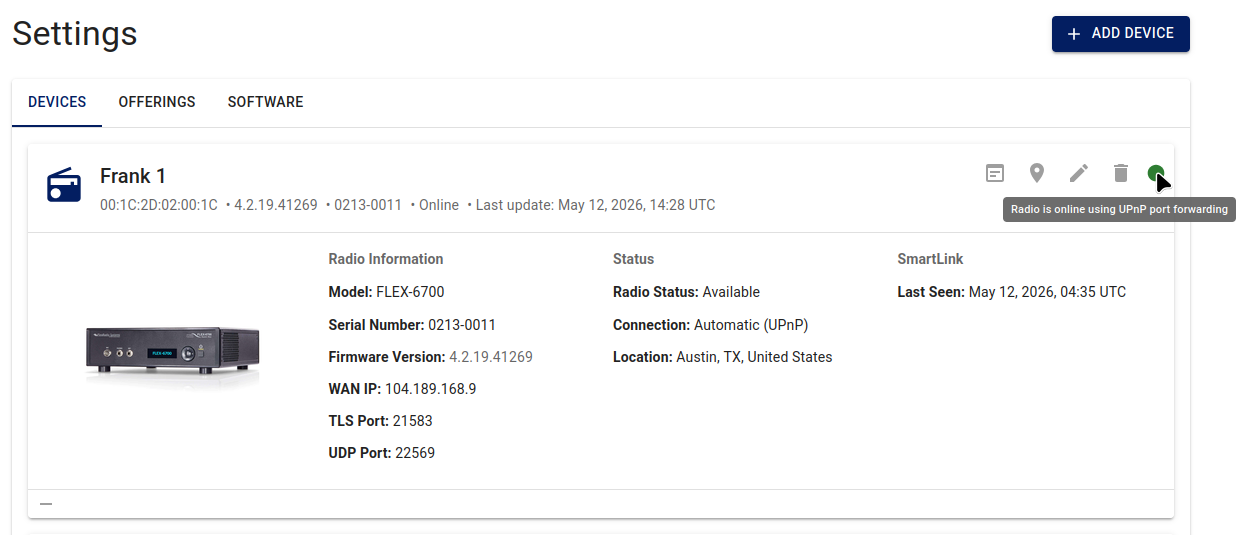
More information on Smartlink configuration for Automatic or Manual port forwarding.
SmartSDR Versions
You can find the correct SmartSDR version to use with the radio from the iShareRadio webpage either on the Device card or the Offering.
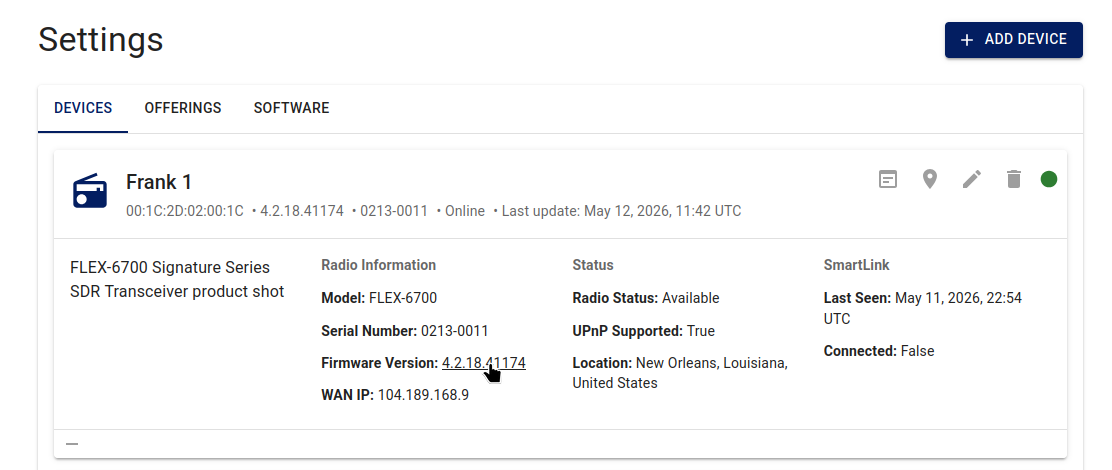
The SmartSDR version is also available on Offerings is underneath the rate in the Details column.
Operators using the platform cannot upgrade or change the radio’s firmware from the iShareRadio web application; the hub does not expose firmware changes to operators.
Note: The Owner of the radio (the account that registered the device on the hub) can change the radio’s firmware through normal SmartSDR / radio maintenance workflows outside of iShareRadio.