Types of Club Members and Roles in a Club
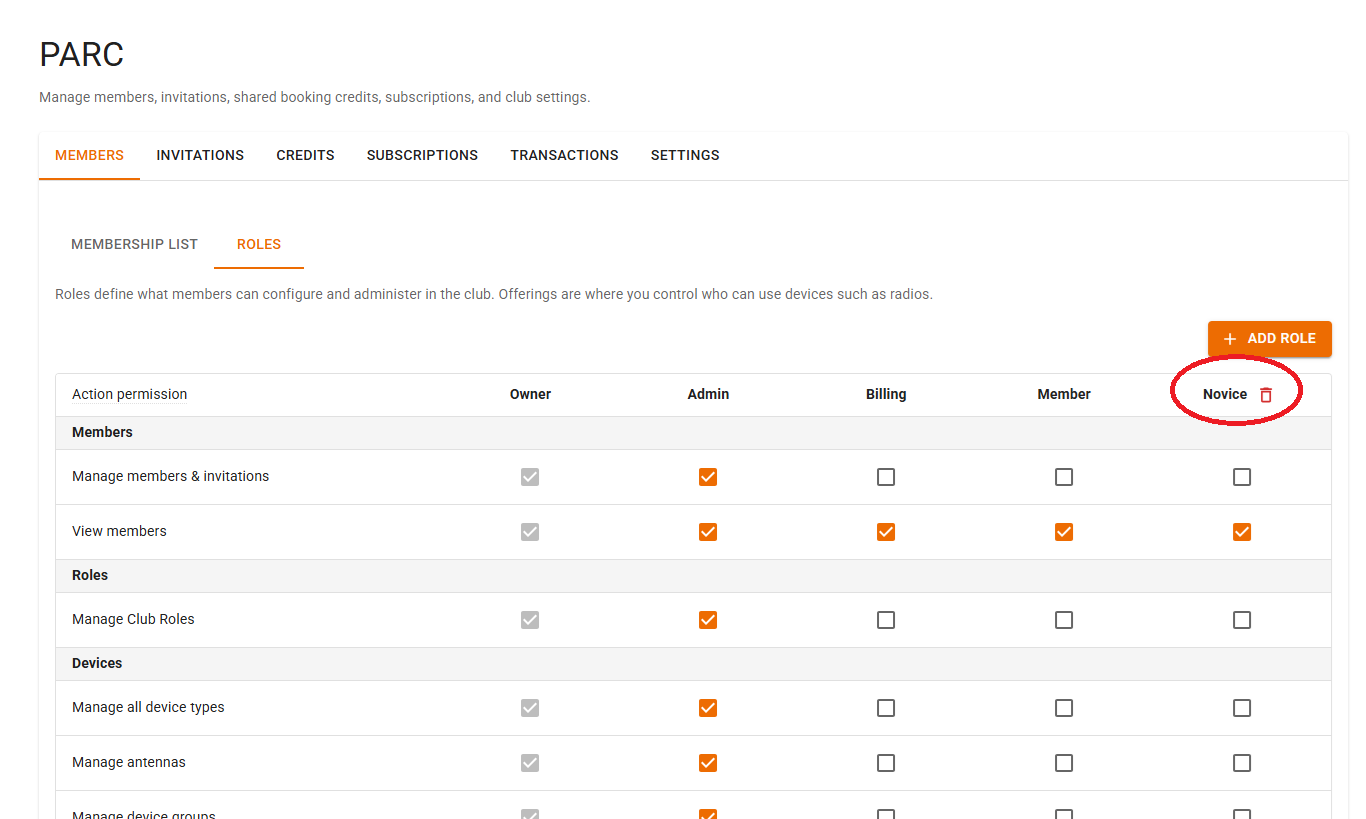
The owner of a club, an administrator, or another member granted special permissions can revise the abilities of a role within a club and revise which members are assigned special roles. This way the owner can distribute management of the club to other members. Roles can also be used in Offerings to target a select group, for example novices, but this is better handled using Share Groups. Roles are more for club management and for assigning who in the club has privileges.
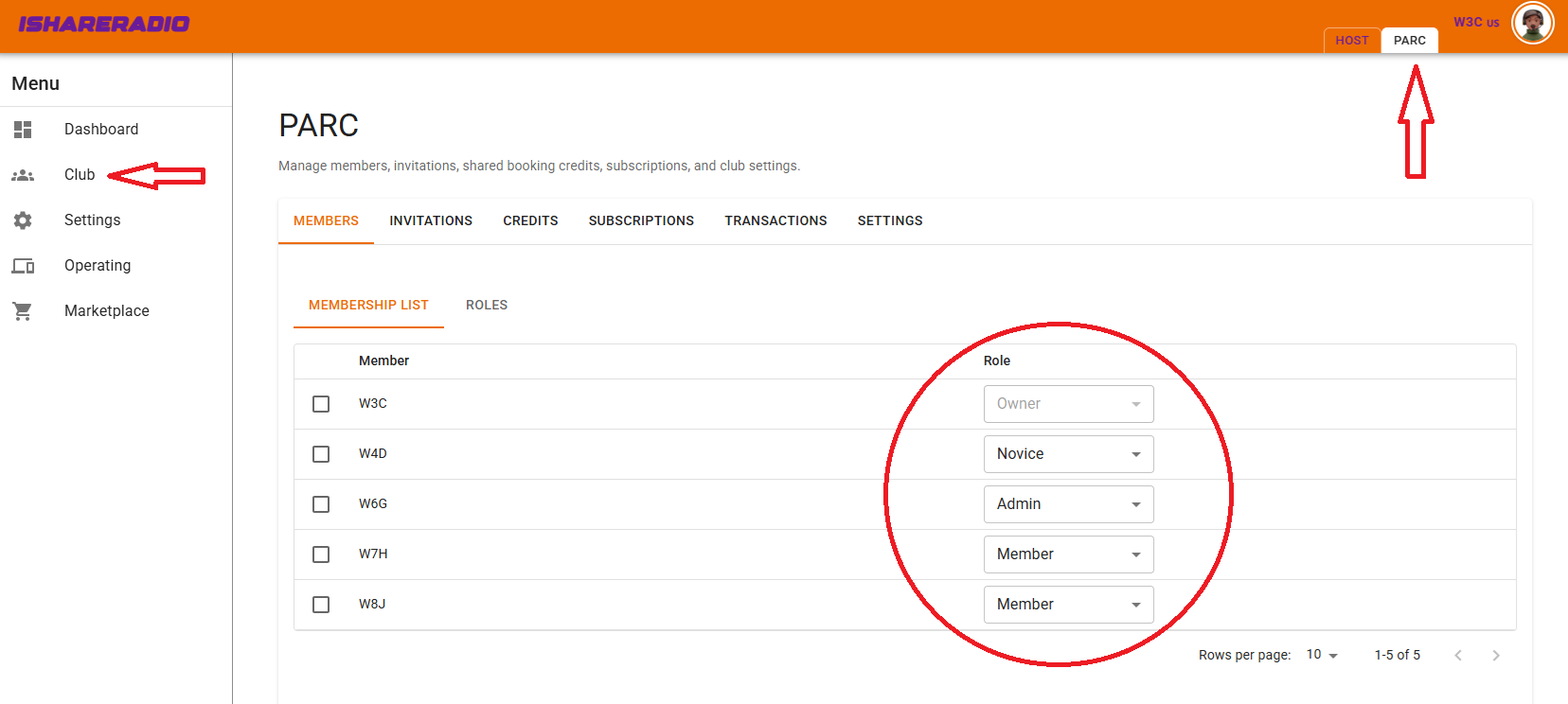
When a club is created, a number of default roles are set up: Owner, Administrator, Billing, and Member. The Owner role may not be modified and has all abilities for club management. Administrator, Billing, and Member may be modified by selecting or deselecting management features.
You can also create new roles and give them any set of desired features. These added roles can later be deleted, but only after there are no club members in that role. The original four default roles may not be deleted.