Creating a Share Group
A Share Group is a club feature that lets you build a list of accounts for later use in an Offering. For example, you might create a list of members who are serious contesters, then create a special Offering only for them. The Share Group is reusable and dynamic, so members can be added or removed without changing the Offering that references it.
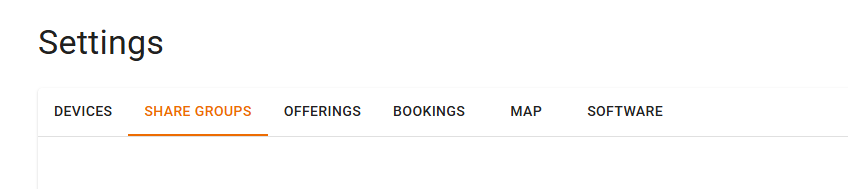
To create a Share Group, go to Settings → Share Group.
Select Create, give your list a name and a description, then add accounts to the list.
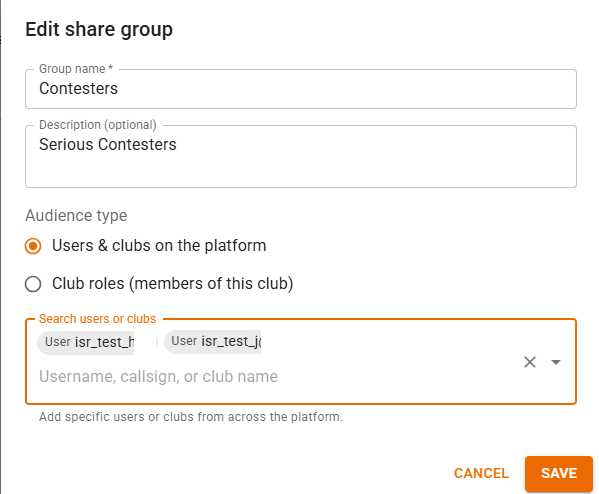
Note. You can add accounts that are not in your club to a Share Group. This lets a club share its station with non-members if desired.
If you identify an account that is not in the club, they will see the Offering that uses the Share Group on their Settings → Offerings page and on their Operating page under the Shared with Me tab.
After the Share Group exists, select it on the Sharing tab when you create a club Offering.