Operating a Friend's Radio
If you have been invited to operate a friend's radio, you need to:
-
Have the client running on your LAN. This can be on the same computer as the SDR, or any other PC on the same LAN as your SDR. If you have not yet installed the client and paired it with your account, see Install the Client Software.
-
Operate.
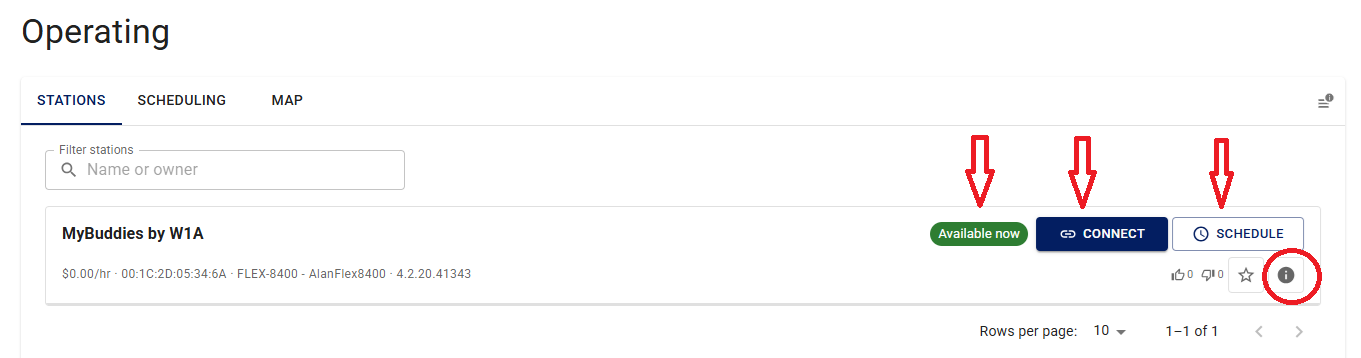
On the Operating page, in the Stations tab, you will see an indicator for the status of the radio.
iShareRadio books time on the radio in 15-minute blocks around the clock. The blocks are 0 to 15, 15 to 30, 30 to 45, and 45 to 60.
You can start operating in two ways:
-
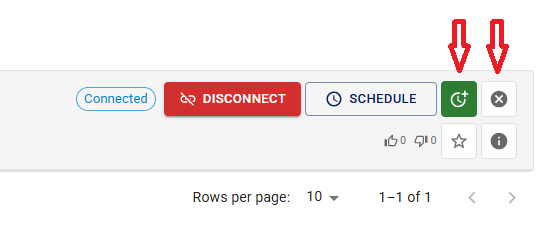
Instant connect. If you have not reserved the time and the indicator is Available, press Connect for an instant connection. You are then booked to operate for the 15-minute block you are currently in. You are also set to auto-extend mode (see the green indicator). With auto-extend on, you are automatically booked into the next 15-minute block, up to a maximum of one hour. This does not protect you if someone else books time in the scheduler for a later 15-minute block; that booking can disconnect you from the radio. To prevent that, use the scheduler first.
-
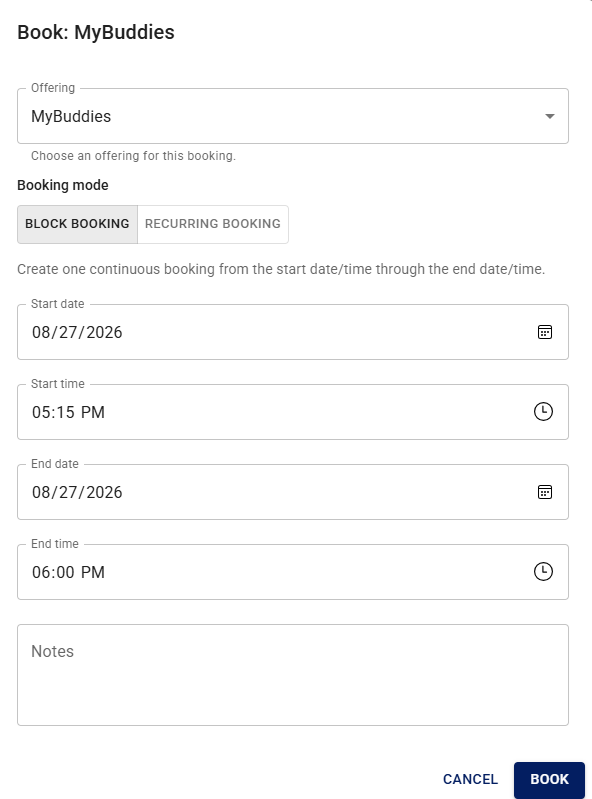
Reserve time. To reserve time on the radio up to the maximum allowed by the Offering, go to the scheduling calendar and select a block of time.
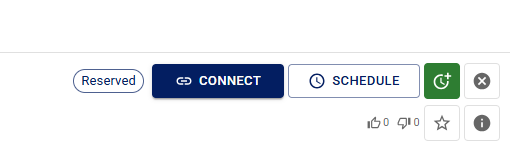
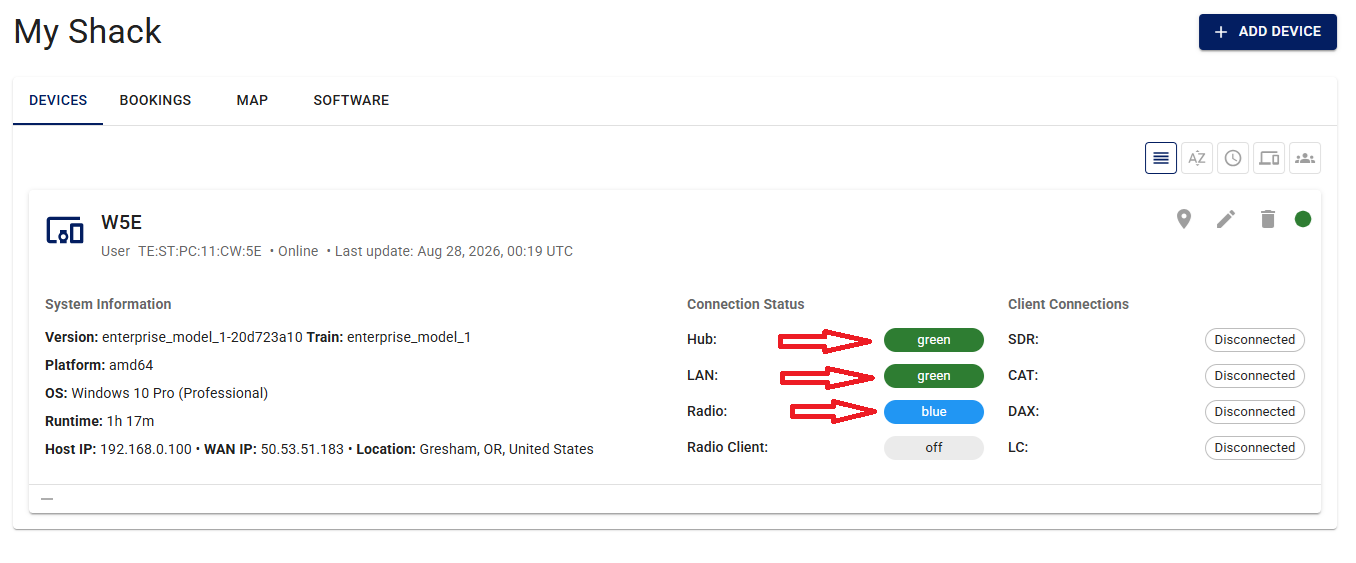
When it is time to operate, the indicator changes to Reserved and Connect is enabled. Press Connect and wait for Disconnect to become enabled. Do not press Disconnect until you are done operating. If the client is running and visible in a GUI, you will see green indicators for connected. You can also go to Settings and press + on the client to see the indicators.
-
-
End operating. When you have finished operating and still have time left, press Disconnect, then press the small X to the right of that button to cancel your current booking. This clears your reservation and lets others use the radio. Otherwise your booking or auto-extend session will continue to block other users.